“Pocket WiFi much better than eSIM?” asked a japan-guide forum poster in December 2025, worried after reading that eSIMs were “spotty” in Japan. The replies pointed the same way: eSIM, unless your group never splits up. Two facts about your phone settle most of it.
eSIM, pocket Wi-Fi or SIM: your answer
Answer for the phone you will travel with.
Get this
A travel eSIM
Buy and install it at home on Wi-Fi a few days before you fly. Keep your home line on for texts, set mobile data to the travel line, and turn off data roaming on the home line.
Based on Apple, Google, JNTO and Telstra pages, checked 29 November 2026.
The three options side by side
| Travel eSIM | Pocket Wi-Fi | Physical SIM | |
|---|---|---|---|
| Locked phone | No | Yes | No |
| Collect and return | Nothing | Pickup and return | Pickup only |
| Group splits up | Everyone stays online | Only the carrier does | Everyone with one |
| Extra device to charge | No | Yes, nightly | No |
| Home number stays on | Yes, dual line | Yes | Only on dual-SIM phones |
| Where | Online, before you fly | Airports, hotel delivery | Airports, Bic Camera, Yodobashi |
From Apple, Google and JNTO, checked 29 November 2026. Plan prices vary by provider and change often, so compare them on the day you buy.
A parent on the same thread, whose family moved to eSIMs about five years ago, gave the main reason: “if the group gets separated then everyone still has access to the internet.”
Before you fly: six steps
- Check the lock. iPhone: Settings → General → About. “No SIM Restrictions” next to Carrier Lock means unlocked. On Android, ask your carrier, and ask weeks ahead if it needs unlocking.
- Check eSIM support. Apple lists iPhone XS, XS Max, XR and later. Google says Pixel 3a and later take one eSIM alongside a physical SIM.
- Buy a plan that covers every day, and read when the clock starts. Whether validity runs from installation or from the first connection in Japan is a typical forum question; the listing should say.
- Install it at home on Wi-Fi. Apple says setup needs Wi-Fi. Name the lines “Home” and “Japan”.
- Set data to the Japan line, and data roaming off on the Home line. Apple warns your home carrier may still charge roaming while that line is on.
- Keep the Home line on if your bank sends login codes by text, and check what receiving texts abroad costs.
From Australia: what roaming costs
Before buying anything, price your own carrier’s pass for the whole trip. On a two-week ski-and-city trip, a daily charge adds up.
| Carrier pass | Per day | Data a day | 14 days |
|---|---|---|---|
| Telstra International Day Pass | A$10 | 2 GB | A$140 |
| Optus Daily Roaming | A$5 | 5 GB | A$70 |
| Optus $10 Roaming Pass | A$10 | 1 GB | A$140 |
Telstra Day Pass Zone 2 (Japan included) and Optus Daily Roaming, from their roaming pages, checked 29 November 2026. Optus Daily Roaming is on Choice Plus, Plus Family and Plus Promo plans; other Optus postpaid plans use a $10 Roaming Pass with 1 GB.
Roaming keeps your number and needs no setup. Set the 14-day figure against a travel eSIM for the same days before you decide.
Your decision
- Unlocked phone with eSIM: buy a travel eSIM this week and install it at home on Wi-Fi.
- Locked phone: price your carrier’s roaming pass against a router rental, and book the router ahead for airport pickup.
- A group that stays together, or a laptop every day: one pocket Wi-Fi, and a power bank for it.
- Unlocked phone without eSIM: a prepaid SIM at the airport or a big electronics store.
The details
Pocket Wi-Fi: pickup, delivery and return
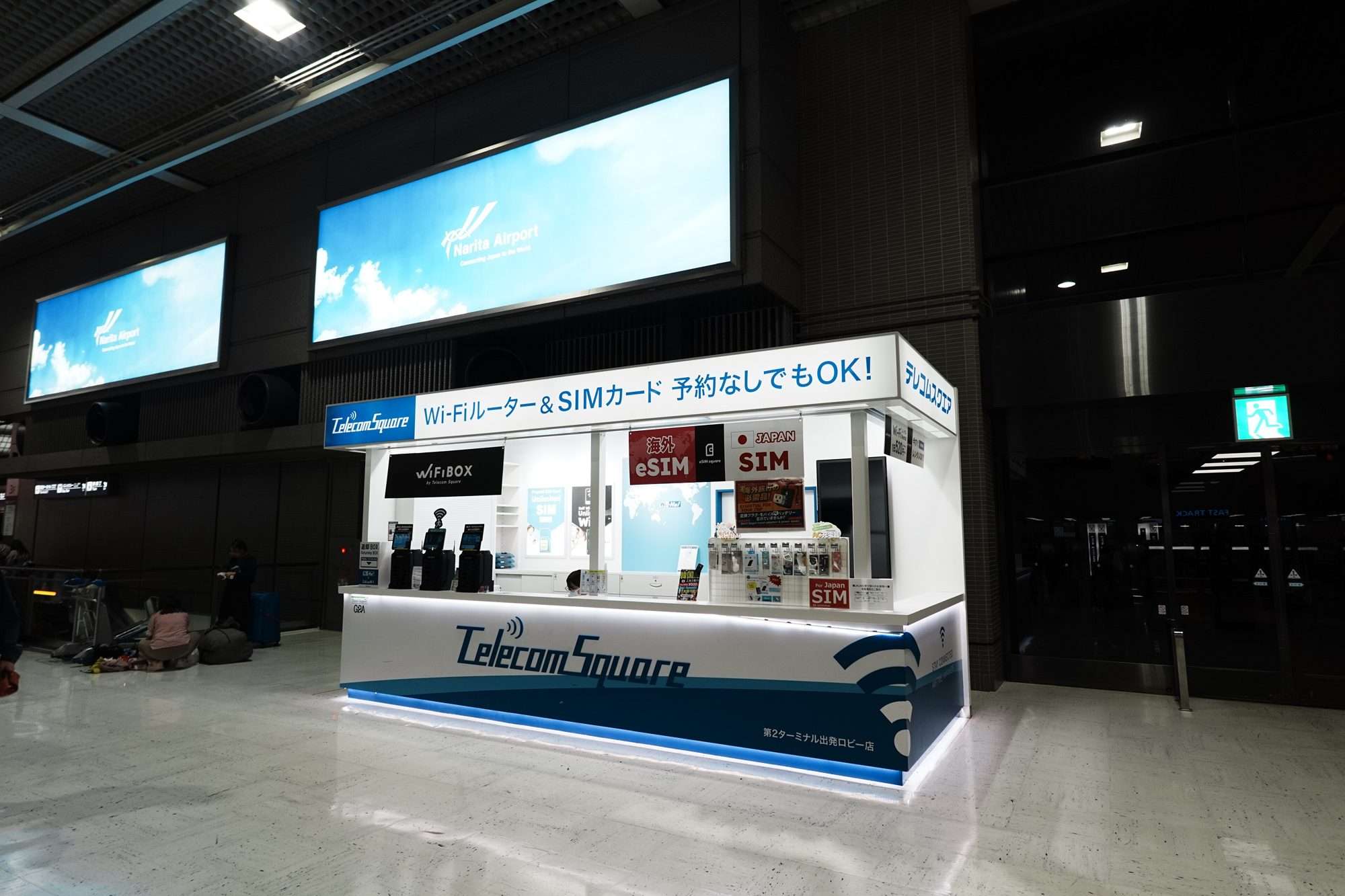
JNTO says rental kiosks are at all major airports, and you can reserve online and have the router delivered to your hotel. It names JAL ABC, PuPuRu Wi-Fi, Vision Inc and WiFiBOX. “Hotel won’t store my pocket wifi delivery” is a real japan-guide thread title, so ask the hotel before you choose delivery. Note how and by when it must go back before you fly home.
On a 2025 thread about station Wi-Fi, one traveller found two eSIM brands “very very slow” at times, while another called routers “much easier”. Speed depends on the network a plan uses, which the listing should name.
Physical SIM cards
JNTO says major airports sell SIM cards, as do electronics stores such as Bic Camera and Yodobashi Camera. A traveller on japan-guide noted one store SIM had to be activated online with a serial number, which is easier on Wi-Fi. Bring the SIM tray tool and keep your home SIM somewhere safe.
Free Wi-Fi as a backup
JNTO says Japan’s major international airports have free Wi-Fi in the terminals, and most city hotels offer Wi-Fi, though traditional ryokan and small minshuku in rural or mountain areas may not. It also describes SoftBank’s Free Wi-Fi Passport for foreign phones: two weeks of free Wi-Fi at SoftBank hotspots. Free hotspots often need a sign-up and can be slow, so do not plan around them.
Phones: the fine print
Apple: iPhone XS, XS Max, XR or later for eSIM; two eSIMs can be active at once on supported models; if you use only the travel eSIM, FaceTime and iMessage keep working on your home number. Some eSIM-only iPhones can activate without Wi-Fi in some countries.
Google: Pixel 3a and later can run a physical SIM and an eSIM together; Pixel 7 and later can run two eSIMs if the carrier allows. A Pixel 3a bought in Japan cannot use two SIMs. For other Android phones, look for “eSIM” on the maker’s spec page.
Once you are connected, the next thing to sort is paying for trains: our Suica, PASMO and ICOCA guide picks the right card for your phone.
Questions
Is an eSIM or pocket Wi-Fi better for Japan?
An eSIM for most travellers with an unlocked, recent phone: nothing to collect, carry, charge or return, and everyone stays online when a group splits up. A pocket Wi-Fi suits locked phones and groups that stay together with several devices.
Will a travel eSIM give me a Japanese phone number?
Only if the plan says so. Apple notes that many local carrier plans include a phone number, while prepaid plans from worldwide providers are data only, so calls go through messaging apps.
When should I install a travel eSIM?
At home, on Wi-Fi, a few days before you fly. Apple says the iPhone must be on Wi-Fi or a hotspot to set up an eSIM. Check in the listing whether the validity period starts at installation or at the first connection in Japan.
Can I keep my home number for bank texts while using a travel eSIM?
Yes, on a phone with two lines. Keep the home line on so it can receive texts, set mobile data to the travel eSIM, and turn off data roaming on the home line to avoid roaming charges.
Does a locked phone work with a Japanese SIM or eSIM?
No. A phone locked to your home carrier will not accept another carrier's SIM or eSIM. Ask your carrier to unlock it before you travel, or use a pocket Wi-Fi or your carrier's roaming pass.
Sources
- Apple Support: Use eSIM while traveling internationally with your iPhone
- Google Pixel Help: How to use dual SIMs on your Google Pixel phone
- JNTO (Japan National Tourism Organization): Wi-Fi & Connectivity
- Telstra: International Roaming Day Pass (zones and prices)
- Optus: International Roaming (Daily Roaming and $10 Roaming Pass)